

TechChefs
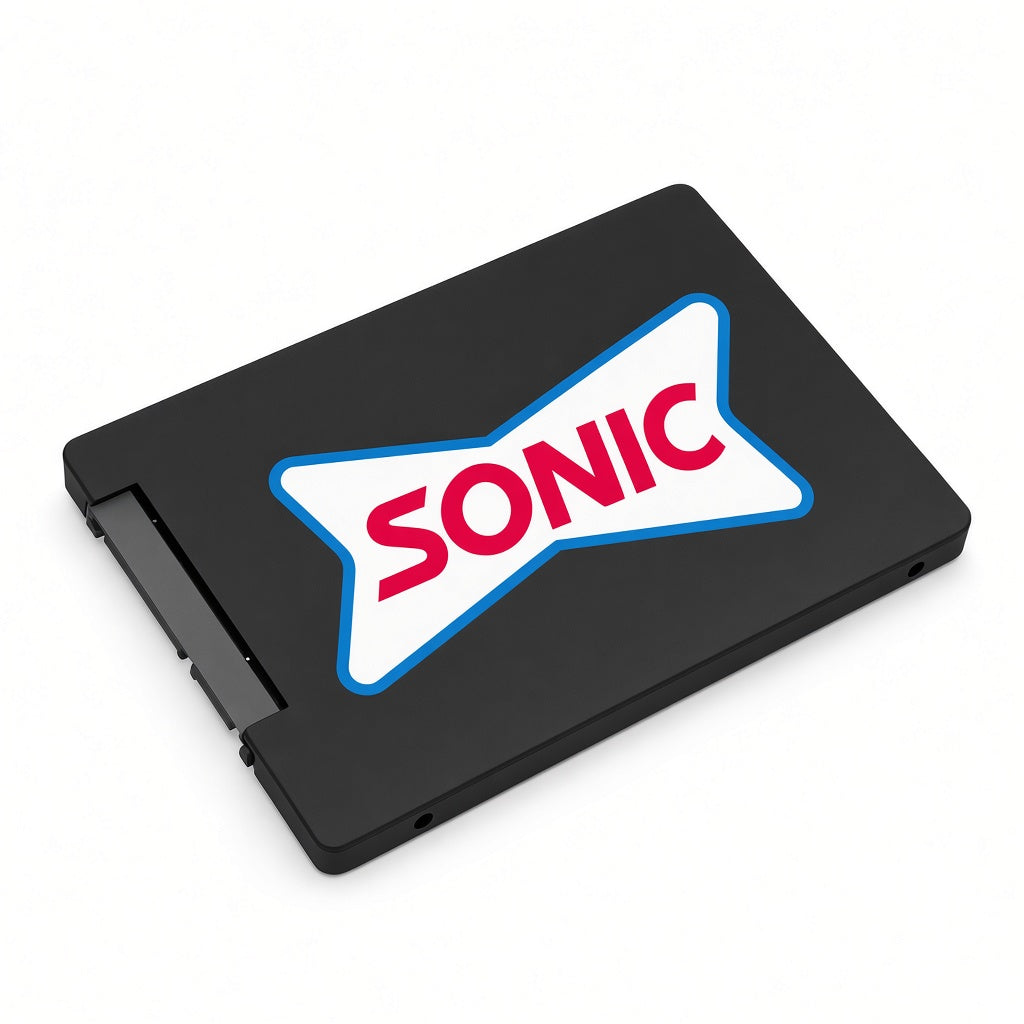
Sonic Drive-In Replacement SSD – Gen 1 / Gen 2 / Gen 3
Sonic Drive-In Replacement SSD – Gen 1 / Gen 2 / Gen 3
SKU:
Couldn't load pickup availability
Not sure this fits your system?Call or text a TechChefs tech at 972-901-9948 or email us the model number. We will confirm before you order.
- Genuine OEM part
- Ships from Texas
- Real tech support
Replacement SSD for Sonic Drive-In units. These drives come in three generations, and the SSD must match your unit's generation, so choose Gen 1, Gen 2, or Gen 3 above.
How to identify your generation
Gen 1
- Visible screws next to the USB port
- WHITE USB port
- Internal tan/light-brown USB port that is NOT integrated into the motherboard and wiggles if you move it
Gen 2 & Gen 3
- NO visible screws next to the USB port
- BLUE USB port
- Internal USB port integrated into the motherboard that does not move
Gen 2 vs. Gen 3
Gen 2 and Gen 3 units look the same from the outside. The only way to tell them apart is by installing the SSD:
- If you install a Gen 2 SSD in a Gen 3 unit (or vice versa), the unit will boot, but the image will be very enlarged and not to scale. Swap to the other generation and it will work.
- If you install a Gen 1 SSD in a Gen 2 or Gen 3 unit (or vice versa), you'll get an error that the hard drive cannot be read.
Not sure which one you need? Contact us with a photo of the USB port area and we'll help you pick the right generation.
Shipping & support
Shipping & support
Orders ship from our shop in Duncanville, Texas. Need it fast, ordering for multiple locations, or want it installed? Call 972-901-9948 and we will sort it out.
Share
Not sure which part fits?
Our techs install this gear every day. Send us a model number or a photo and we will tell you exactly what you need.
We can put it in, too.
Same-day commercial service across Dallas-Fort Worth, plus rollout crews that travel wherever your locations are.